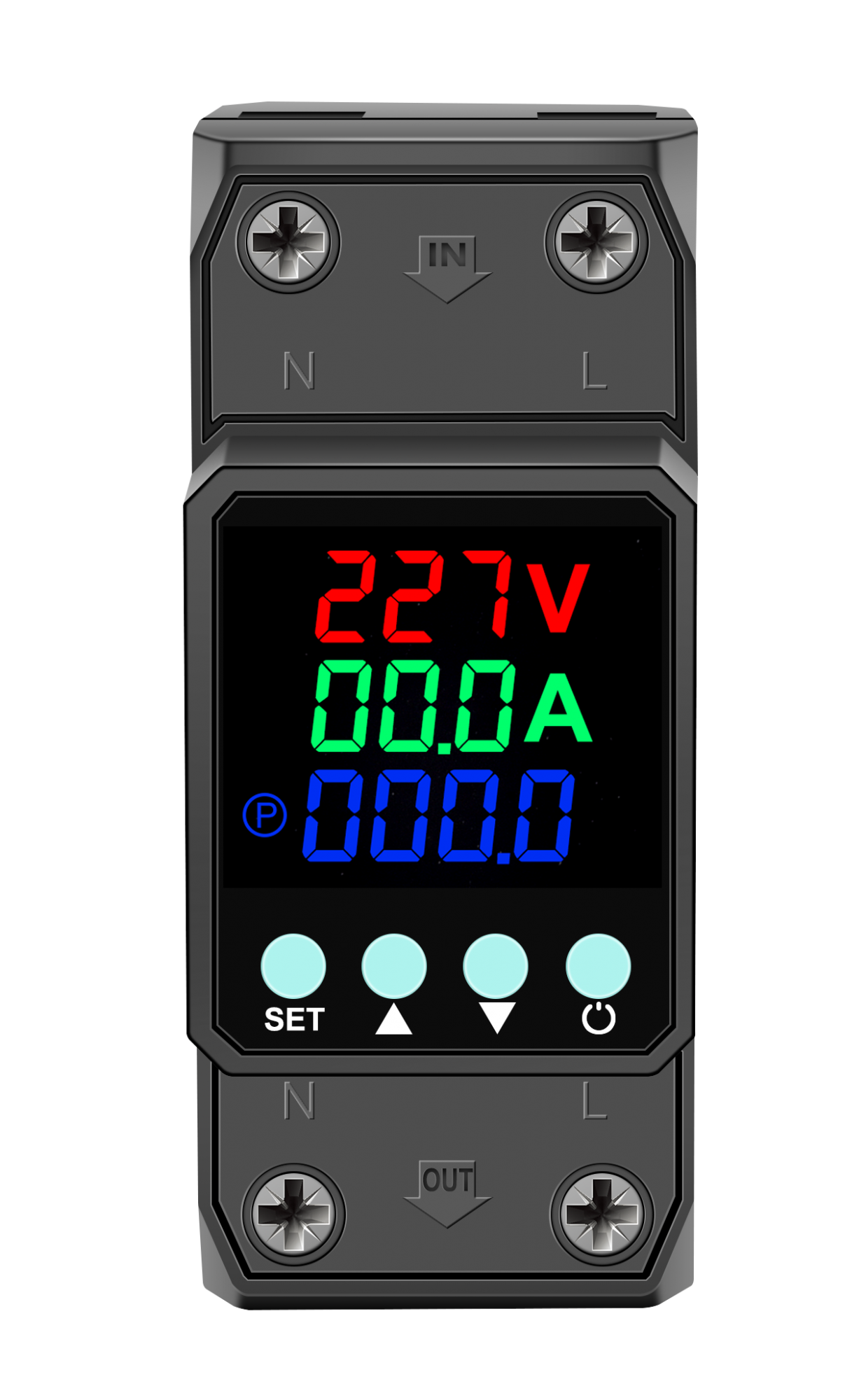
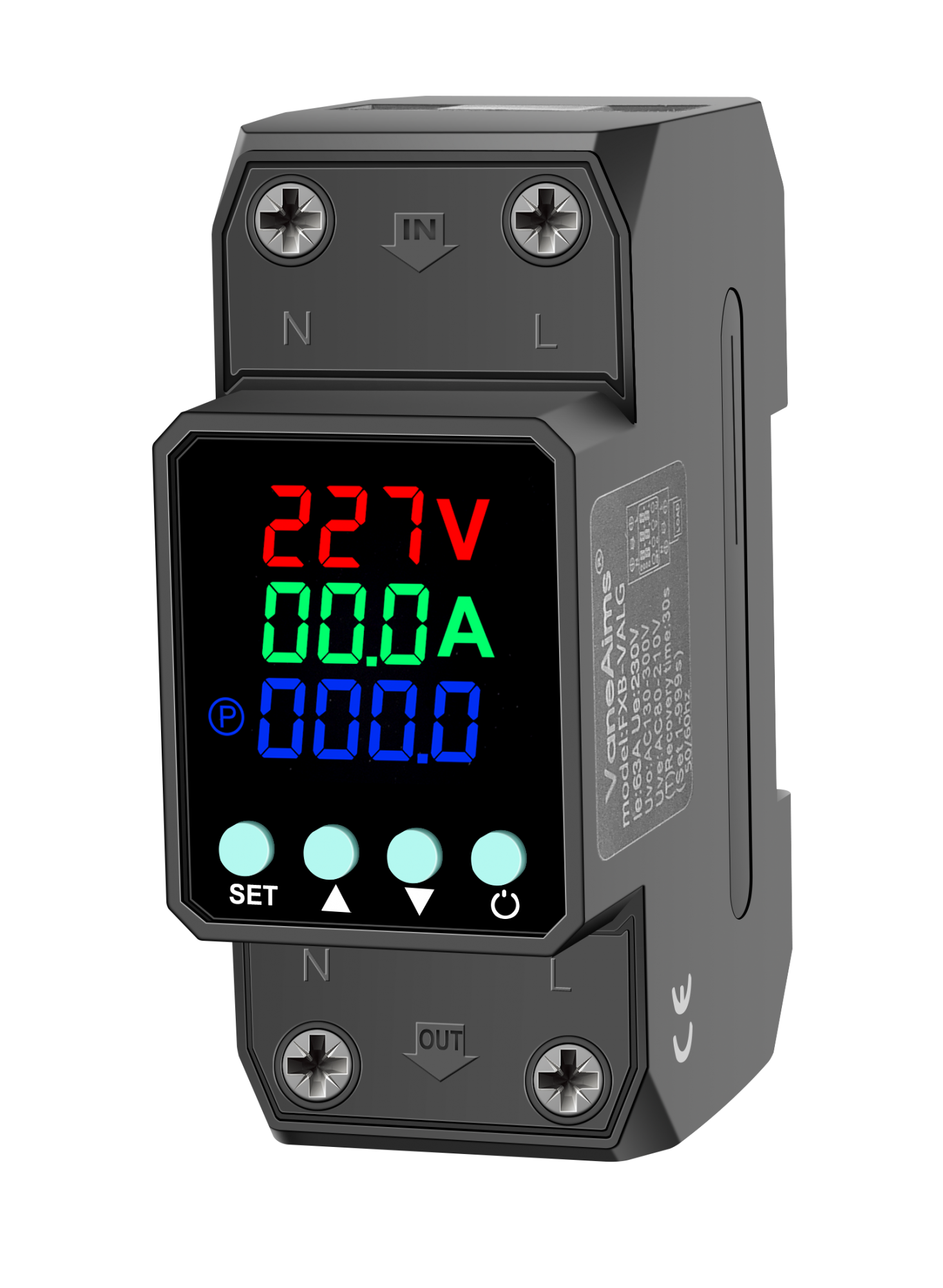
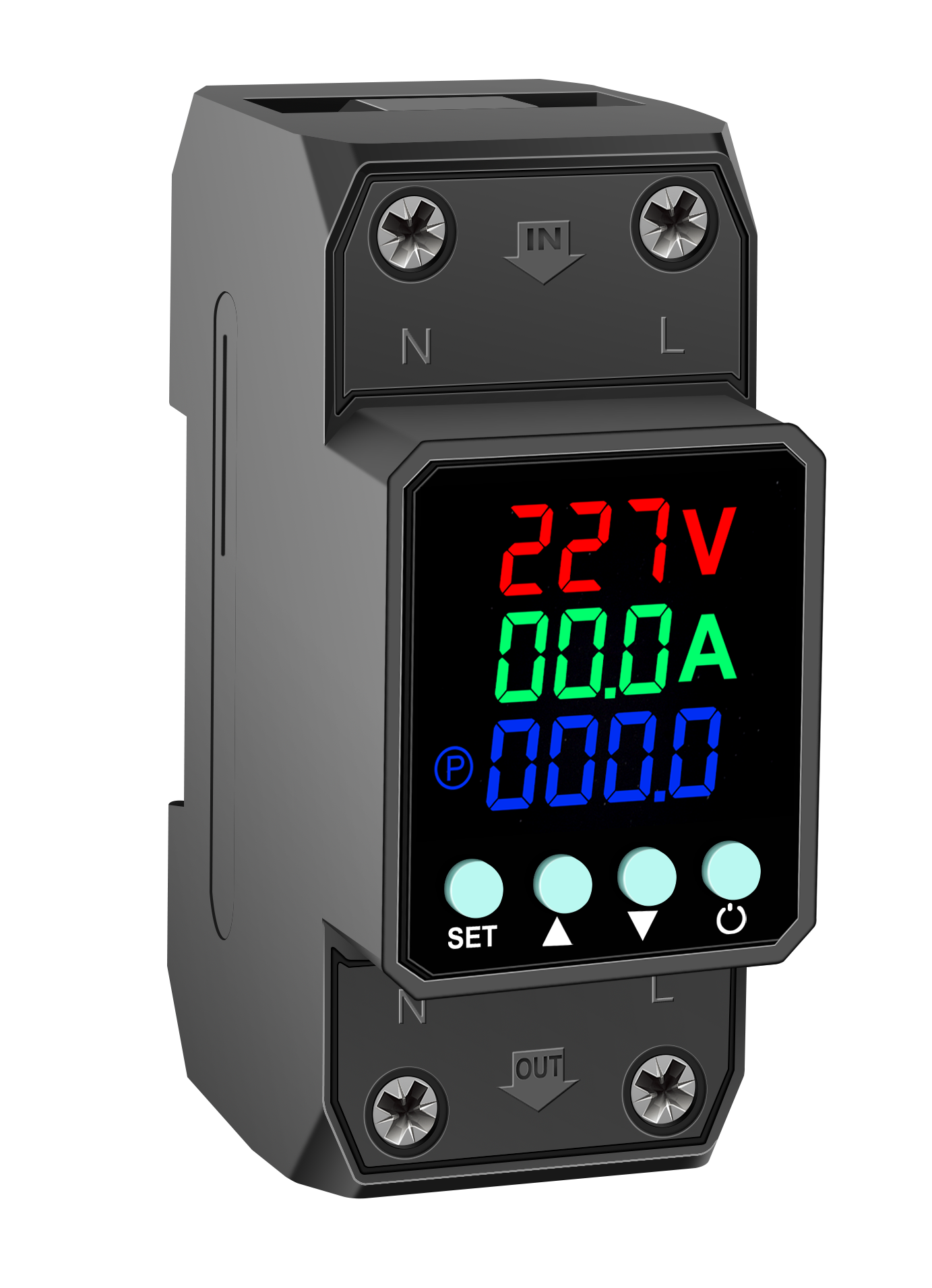
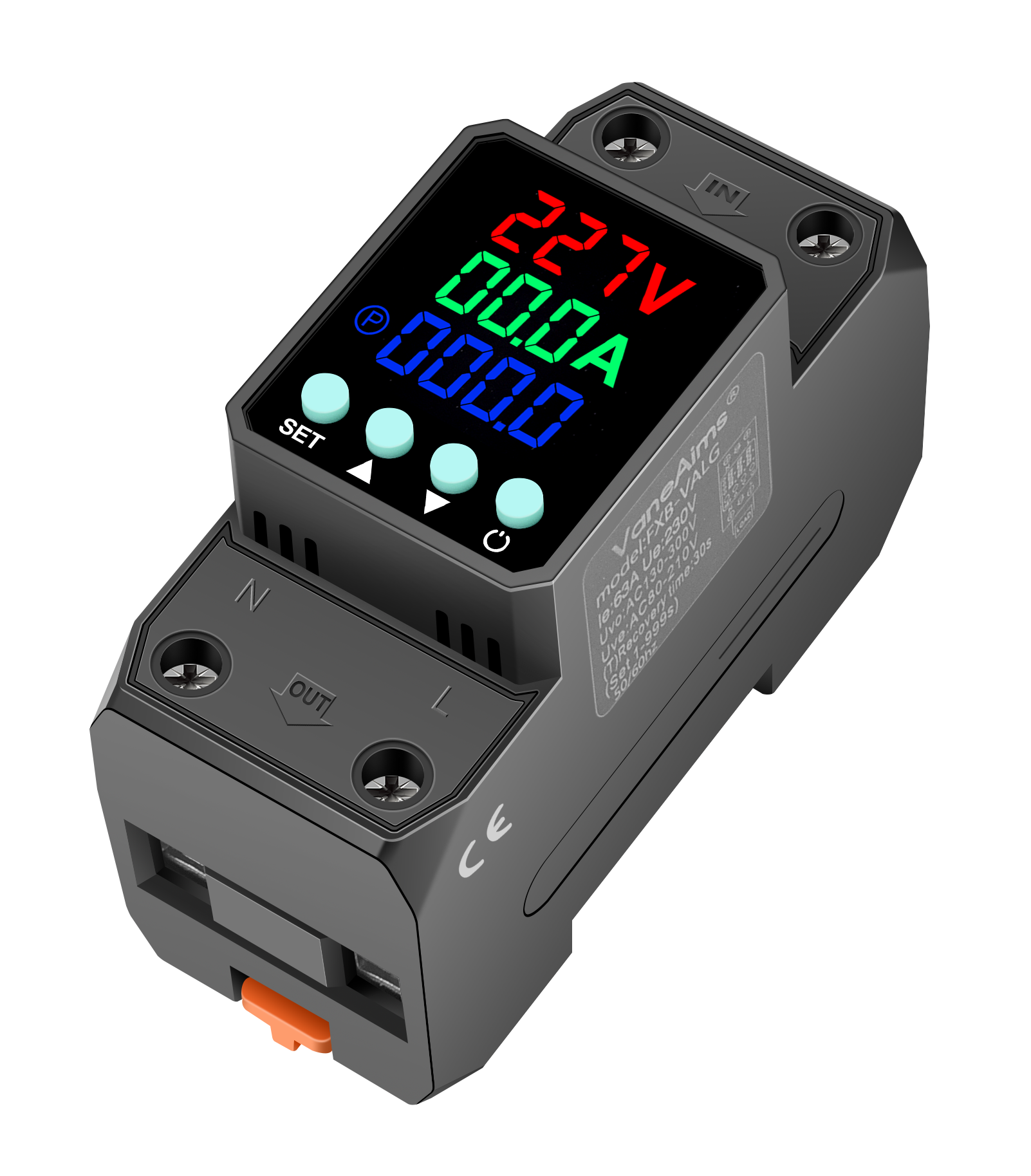
The panel includes the following buttons and indicator lights, with the following functions:
- Indicator lights :
- △V: Overvoltage/Undervoltage status indicator
- △A: Overcurrent status indicator light
- POWER: Indicator light for normal device operation
- button :
- On/Off Key: Controls the start and stop of equipment
- Menu button: Enter/toggle function menu
- Up/Number + key: Switch options up or increase the number value.
- Down/Number key: Toggle options down or decrease the number value.
- Confirm button (originally marked 'back button'): Confirm operation or save parameters.
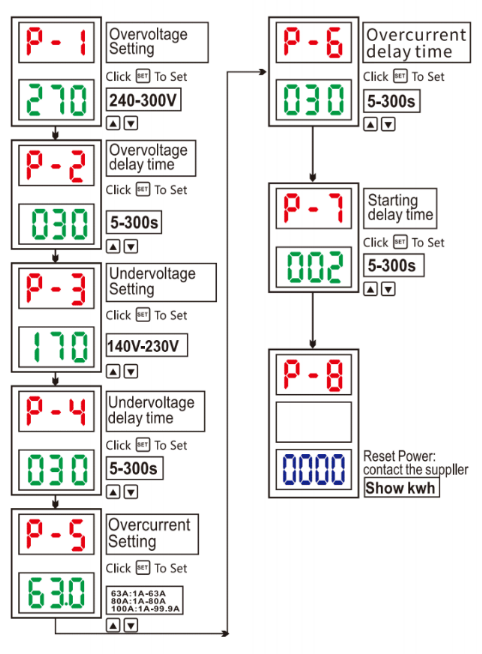
Parameter adjustment operation steps:
- Press and hold the confirmation button (back button) for 5 seconds to enter the parameter setting state;
- Use the up/numeric + key and the down/numeric - key to modify overvoltage, undervoltage, and current-related parameters;
- After adjusting the parameters, press the confirmation button (back button) again to save the settings.
- Terminal blocks : Power supply terminals are marked with 'N' (neutral) and 'L' (live);
- External dimensions :
- Core dimensions (consistent with technical specifications): 81mm × 36mm × 66mm;
- Panel display area dimensions reference: 8.8.8 (display digits), 8.8.8A (current display), 8.8.8.8 (multi-digit display)
- Product Type: Self-resetting over/under voltage and overcurrent protector
- Key features: Supports adjustable overpressure parameters and has kilowatt-hour metering function.
Thank you very much for choosing our products. Our company is dedicated to providing you with more high-quality products and services.



 Copy product links
 Long by picture save/share







 中文
中文
 English


 WhatsApp
 E-mail